Choosing the right online course platforms can decide how smoothly you create, sell, and manage your digital courses. As a creator, educator, or business owner, you are not just uploading videos—you are building a learning experience. Some platforms give you access to a large student base, while others give you full control over branding, pricing, and student data.
Below, you’ll find a detailed breakdown of the most trusted online course platforms, what they offer, and who they work best for. This guide focuses only on platforms and descriptions, so you can compare them without distractions.
Online Course Platforms You Can Trust

Online learning has become a practical way to share skills and build expertise across industries. The following online course platforms are reliable choices, trusted by educators, creators, and organisations for structured digital learning.
1. Udemy
Udemy is one of the largest online learning marketplaces in the world. You upload your course, and Udemy takes care of hosting, payments, and access to millions of learners.
You don’t control pricing fully, as Udemy often runs discounts. However, it works well if you want visibility without handling marketing yourself. Courses usually focus on tech skills, business, productivity, and personal growth.
Best for: Beginners who want instant exposure
Limitations: Less brand control and pricing freedom
2. Skillshare
Skillshare operates on a subscription model. Students pay a monthly or yearly fee to access all courses. As a creator, you earn based on watch time rather than direct sales.
This platform suits creative fields like design, writing, illustration, photography, and freelancing. Courses are usually shorter and more project-based.
Best for: Creative professionals
Limitations: Income depends on engagement, not sales
3. Teachable
Teachable allows you to create and sell courses under your own brand. You get control over pricing, course structure, landing pages, and student data.
You can upload videos, PDFs, quizzes, and offer completion certificates. Payments are handled through integrated gateways, making it suitable for solo creators and small businesses.
Best for: Independent educators and coaches
Limitations: Advanced customization needs higher plans
4. Thinkific
Thinkific focuses on flexibility and learner experience. You can design structured courses, drip content, add quizzes, and track student progress.
Unlike marketplaces, you own your audience and data. Thinkific also supports memberships and bundles, making it useful for long-term learning programs.
Best for: Educators who want control without technical hassle
Limitations: Built-in marketing tools are basic
5. Kajabi
Kajabi is an all-in-one solution combining course hosting, email marketing, landing pages, and sales funnels. You don’t need external tools to manage your digital products.
It is widely used by coaches, consultants, and personal brands selling premium courses. While powerful, it comes at a higher price point.
Best for: Established creators selling high-ticket courses
Limitations: Expensive for beginners
6. Podia
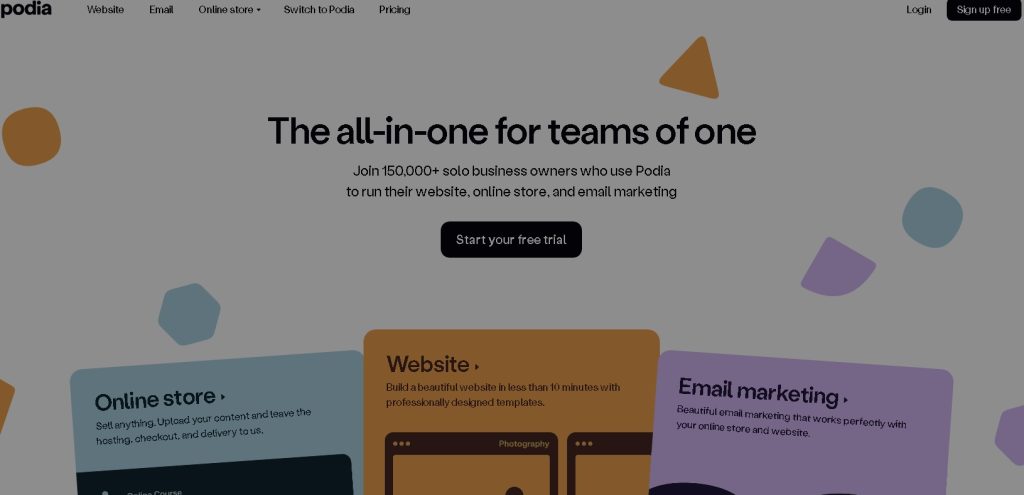
Podia is known for simplicity. You can sell courses, memberships, webinars, and digital downloads from one dashboard.
The interface is clean and beginner-friendly. It also includes email marketing features without extra charges, making it cost-effective for small creators.
Best for: Beginners and small businesses
Limitations: Limited advanced course customization
7. LearnWorlds
LearnWorlds focuses on interactive learning. You can add quizzes inside videos, downloadable resources, and branded certificates.
It also offers detailed analytics, helping you understand how students interact with your content. This makes it suitable for professional training programs.
Best for: Corporate training and advanced educators
Limitations: Interface takes time to learn
8. Mighty Networks
Mighty Networks combines courses with community features. You can create paid groups, host live sessions, and offer structured learning within a private network.
This platform works well if your teaching style involves discussion, feedback, and group learning rather than only recorded videos.
Best for: Community-driven educators
Limitations: Course tools are not as detailed as LMS platforms
9. LearnDash
LearnDash is a WordPress plugin that turns your website into a full learning management system. You host courses on your own site, giving you full ownership.
It supports quizzes, assignments, drip lessons, and certificates. However, you’ll need hosting, plugins, and basic technical knowledge.
Best for: WordPress users wanting full control
Limitations: Requires setup and maintenance
10. LifterLMS
LifterLMS is another WordPress-based solution, known for flexibility. You can create courses, memberships, and coaching programs.
It integrates with payment gateways and third-party tools. Many creators prefer it for custom learning websites.
Best for: Coaches and developers
Limitations: Advanced features need paid add-ons
11. Coursera
Coursera partners with universities and global companies to offer professional certificates and degree programs. Courses follow academic standards and often include graded assignments.
As an instructor, you usually need institutional backing to publish here. It’s ideal for learners seeking credentials.
Best for: Academic and professional learners
Limitations: Not open for individual creators
12. Academy of Mine
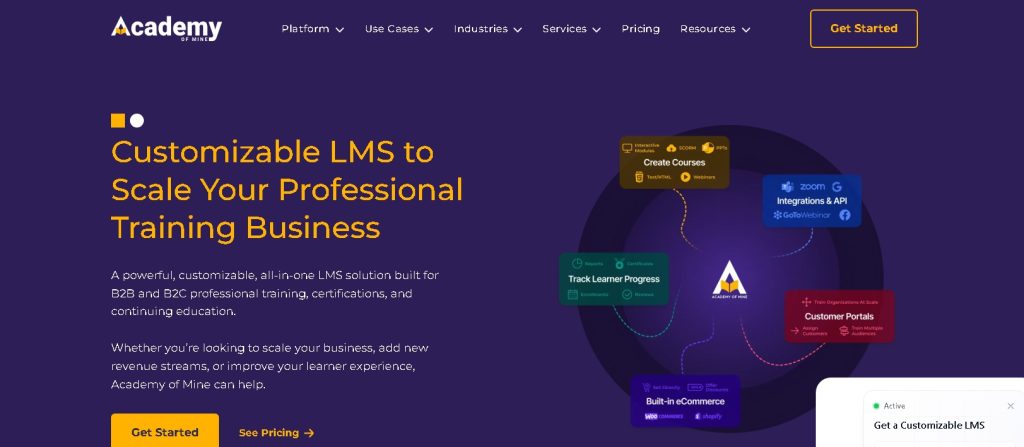
Academy of Mine is designed for corporate and compliance training. It supports custom workflows, reporting, and enterprise-level needs.
Businesses use it for employee onboarding, certifications, and professional education programs.
Best for: Enterprises and training providers
Limitations: Not beginner-friendly
Conclusion
Choosing the right online course platforms depends on how you want to teach, sell, and connect with learners. Marketplaces give visibility, while self-hosted systems offer control. Some platforms focus on simplicity, while others support advanced training needs.
When your platform matches your goals, course delivery feels smoother, students stay engaged, and your effort turns into long-term value. Take time to compare features, pricing, and ownership before committing.
Frequently Asked Questions (FAQs)
Q1: Which online course platform is best for beginners?
For beginners, platforms like Teachable, Thinkific, or Podia are ideal because they are easy to set up, require no technical skills, and offer clear course-building tools.
Q2: Can I sell courses internationally on these platforms?
Yes. Most platforms support global payments and multiple currencies, allowing you to reach learners from anywhere in the world.
Q3: Do online course platforms provide certificates?
Many platforms, including Thinkific, LearnWorlds, and Teachable, offer completion certificates automatically once learners finish a course.
Q4: How much does it cost to use an online course platform?
Costs vary: some platforms offer free plans with basic features (like Thinkific or Teachable), while all-in-one solutions like Kajabi start at higher monthly subscriptions.
Q5: Do I need technical skills to create a course online?
Not usually. Most platforms are designed for beginners, with drag-and-drop course builders, pre-designed templates, and step-by-step guidance.